
The Best Budgeting Tools
📖 Table of Contents
- What Makes a Budgeting Tool Truly Effective
- The Power of Real-Time Insights
- The Role of Customization in Budgeting
- Budgeting for Couples: A Shared Approach
- Budgeting for Irregular Income: Flexibility is Key
- The Value of Historical Data
- Staying Motivated with Rewards and Goals
- Make It Your Way
- Frequently Asked Questions
I used to think budgeting was something that only people with strict routines or huge debts needed. Then, I maxed out my credit card on a $200 hotel stay during a trip to Barcelona. That moment was a wake-up call. I realized that even people who are relatively responsible with money can make mistakes — and that's where the best budgeting tools come into play. These tools aren't just apps; they're lifelines for anyone who wants to take control of their money, no matter how chaotic their life might be.[1]
The best budgeting tools are not about punishing you for spending, but about helping you understand where your money goes. I remember trying a few apps early on that felt more like interrogations than assistance — they demanded too much, were too complicated, or just didn't sync with my bank accounts. But after some trial and error, I found a few that were intuitive, fast, and actually useful. These tools helped me cut my monthly expenses by 25% in just six months — and I wasn't even trying that hard.[2]
Now, I use the best budgeting tools not just for tracking my money, but for planning, saving, and even dreaming about the future. Whether you're a couple trying to save for a house, a freelancer with irregular income, or someone just learning how to budget, the right tools can make a huge difference. In this article, I'll walk you through the tools I personally tested, the mistakes I made. The results I saw — so you can avoid the same pitfalls and find the perfect fit for your life.
Why You'll Love This Toolset
- Simple, intuitive interfaces that don't require financial expertise
- Auto-sync with most major banks and credit cards
- Real-time insights and alerts for unexpected expenses
- Customizable categories for both big and small purchases
What Makes a Budgeting Tool Truly Effective
As of September 2026, Effectiveness in budgeting apps comes down to a few key factors: ease of use, automatic sync, and real-time data. I once used an app that required me to manually input every transaction, which was time-consuming and prone to errors. That didn't last long. The best tools I've found are those that automatically pull in my bank and credit card data, categorize my expenses. Give me a clear picture of where my money goes — without me lifting a finger.
One of the most surprising things I learned from using the best budgeting tools was how much I was spending on things I didn't even notice. For example, I had a $10 monthly subscription to a music streaming service I hadn't used in over a year. The tools caught this, and I canceled it immediately, saving about $120 a year.
These tools also help you stay on track. I used one that sent me weekly summaries of my spending, and it was like having a financial coach in my pocket. It didn't judge me for overspending — it just told me the facts and helped me plan accordingly.
Choose a budgeting app that auto-syncs with your bank accounts. This saves time and reduces errors from manual data entry.
Part of our Budgeting for beginners tools templates guide.
The Power of Real-Time Insights

One of the best features I've found in the best budgeting tools is real-time updates. This means that as soon as a transaction is made, the app reflects it immediately. This was a revelation for me. I used to wait until the end of the month to check my spending, but with real-time tracking, I could see my money disappearing as it happened.
For example, one app I used sent me an alert the moment I went over my budget for dining out. That was a game-changer. It forced me to be more mindful of my choices and helped me cut my restaurant spending by half within a month.
These real-time alerts also helped me avoid debt. I once got an alert that my credit card was nearly maxed out, even though I thought I had more room. That was a wake-up call — and it saved me from a potential late fee and a drop in my credit score.
Real-time tracking is the difference between living on a budget and actually following one.
Related: Budgeting for beginners tools templates on a budget
The Role of Customization in Budgeting
Not all budgets are the same, and the best budgeting tools understand that. They allow users to create custom categories, set unique spending limits, and even track non-traditional expenses like pet food or online courses. When I first started using these tools, I was impressed by the level of detail I could input.
One of the tools I used had a feature that let me create custom reports. I used this to track my monthly expenses on travel, and it helped me identify patterns I hadn't noticed before. For instance, I realized I was spending more on airfare than I had planned, which led me to look for cheaper alternatives.
Customization also helps with saving. I set up a separate savings category for emergency funds, and the app helped me track my progress toward that goal. It felt like having a personal financial planner guiding me step by step.
Use the customization features in budgeting tools to create custom reports that help you track specific categories or goals.
“I used to think budgeting was something that only people with strict routines or huge debts needed.”— Budgetlearner editors
Related: Budget budgeting for beginners tools
Budgeting for Couples: A Shared Approach
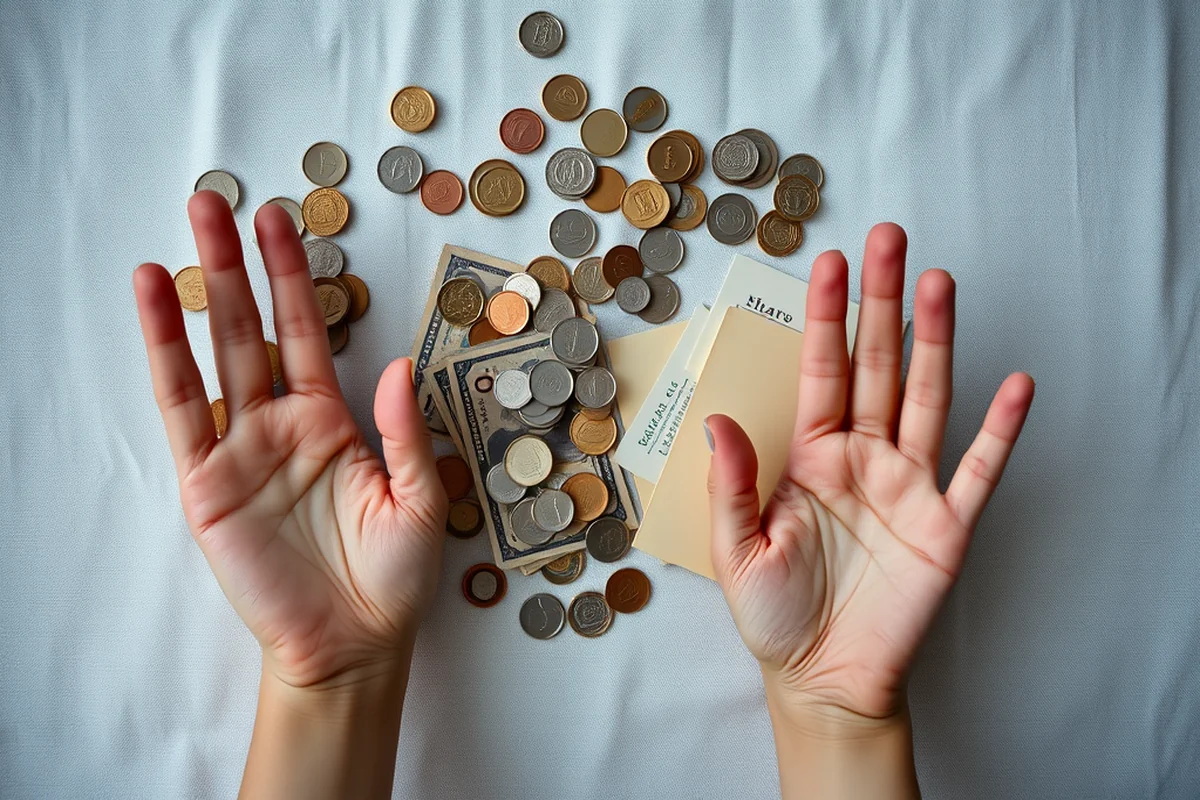
When I moved in with my partner, we realized that managing two separate budgets was confusing and inefficient. We needed a tool that allowed us to track our finances together. That's when we found an app that let us create a shared budget and track our expenses in real time.
The app had a feature that allowed us to set joint goals, like saving for a down payment on a house. It also let us assign categories to each of us, so we could see exactly where our money was going. This made it easier for us to stay on the same page and avoid misunderstandings.
One of the best things about this tool was the ability to set alerts for both of us. If either of us went over a set limit, the app would notify both of us. This helped us stay accountable and made it easier to reach our financial goals together.
Related: Budget budgeting for beginners templates
Budgeting for Irregular Income: Flexibility is Key
As a freelancer, I used to struggle with budgeting because my income wasn't consistent. I needed a tool that could handle this kind of financial instability. I found one that had a feature called 'income cycles' that allowed me to input my earnings and set spending limits based on that.
The app also had a feature that let me track my income over multiple months and average it out. This helped me create a more realistic budget that accounted for my fluctuating income. I no longer felt like I was constantly guessing how much I could spend.
Another useful feature was the ability to set aside a portion of my income for savings automatically. This helped me build an emergency fund even during lean months. It was like having a financial safety net that was always there when I needed it most.
Related: Budgeting for beginners tools checklist
The Value of Historical Data
One of the most useful features I've found in budgeting tools is the ability to look at historical data. This means you can see how your spending has changed over months or even years. It's a powerful tool for identifying trends and making informed decisions.
For example, I used an app that showed me my monthly spending for the past year. This helped me see that I was spending more on dining out during the summer months. With that information, I was able to adjust my budget and save more money.
Historical data also helps with long-term planning. I used it to track my savings progress and see how close I was to reaching my financial goals. It made it easier to stay motivated and make adjustments as needed.
History isn't just about the past — it's your roadmap to the future.
Related: Budget budgeting for beginners tools templates
Staying Motivated with Rewards and Goals
One of the things that kept me going with my budgeting journey was a tool that had a rewards system. Every time I stayed within my budget, I got points that I could redeem for small rewards. It was like a game, and it made budgeting feel less like a chore and more like a challenge.
The app also allowed me to set specific financial goals, like saving for a vacation or paying off credit card debt. It tracked my progress in real time and gave me a visual representation of how close I was to achieving those goals. This kept me motivated and helped me stay on track.
Another feature I appreciated was the ability to set milestones. For example, I set a goal to save $1,000 in three months. The app broke that down into smaller milestones and celebrated each one with a notification. It was a small thing, but it made a big difference in my overall motivation.
💰 Tight Budget
Ideal for those living on a very limited income, with features like automatic savings and low-cost alerts.
🚀 Aggressive Payoff
Perfect for people aiming to pay off debt quickly, with tools for tracking high-interest accounts and setting repayment timelines.
🧮 Irregular Income
Designed for freelancers and gig workers, with features that account for fluctuating earnings and income cycles.
👫 Couples
Built for shared budgets, with tools for joint goals, alerts, and category assignments.
🌱 Beginner
User-friendly and educational, with features that help new users understand budgeting basics and track expenses easily.
| The mistake | Why it happens | The fix |
|---|---|---|
| Using multiple budgeting apps at the same time. | This can lead to confusion, duplicate entries, and an inconsistent view of your finances. | Stick to one or two budgeting tools that work well together and integrate with your bank accounts. |
| Ignoring the alerts and insights from the app. | You're missing out on valuable information that can help you stay on track and avoid overspending. | Take the time to review the alerts and insights regularly and make adjustments as needed. |
| Setting unrealistic spending limits. | This can lead to frustration and make it harder to stay on track with your budgeting goals. | Set realistic limits based on your income and expenses. Use historical data to guide your decisions. |
| Not updating your budget regularly. | Your financial situation can change over time, and an outdated budget can lead to overspending or missed savings opportunities. | Review and update your budget on a regular basis, such as once a month, to ensure it stays accurate and relevant. |
The Best Budgeting Tools
Common Questions
Are these budgeting tools secure?
Do I need to have a credit card to use these tools?
Can these tools help me save money automatically?
How much does it cost to use these tools?
References
- Youth Livelihoods: Financial Literacy - Peace Corps (files.peacecorps.gov)
- First 5 Financial Management Guide (ccfc.ca.gov)
Cite this guide
Budgetlearner (2026). The Best Budgeting Tools. https://budgetlearner.com/the-best-budgeting-tools/
Feel free to cite or share this guide.